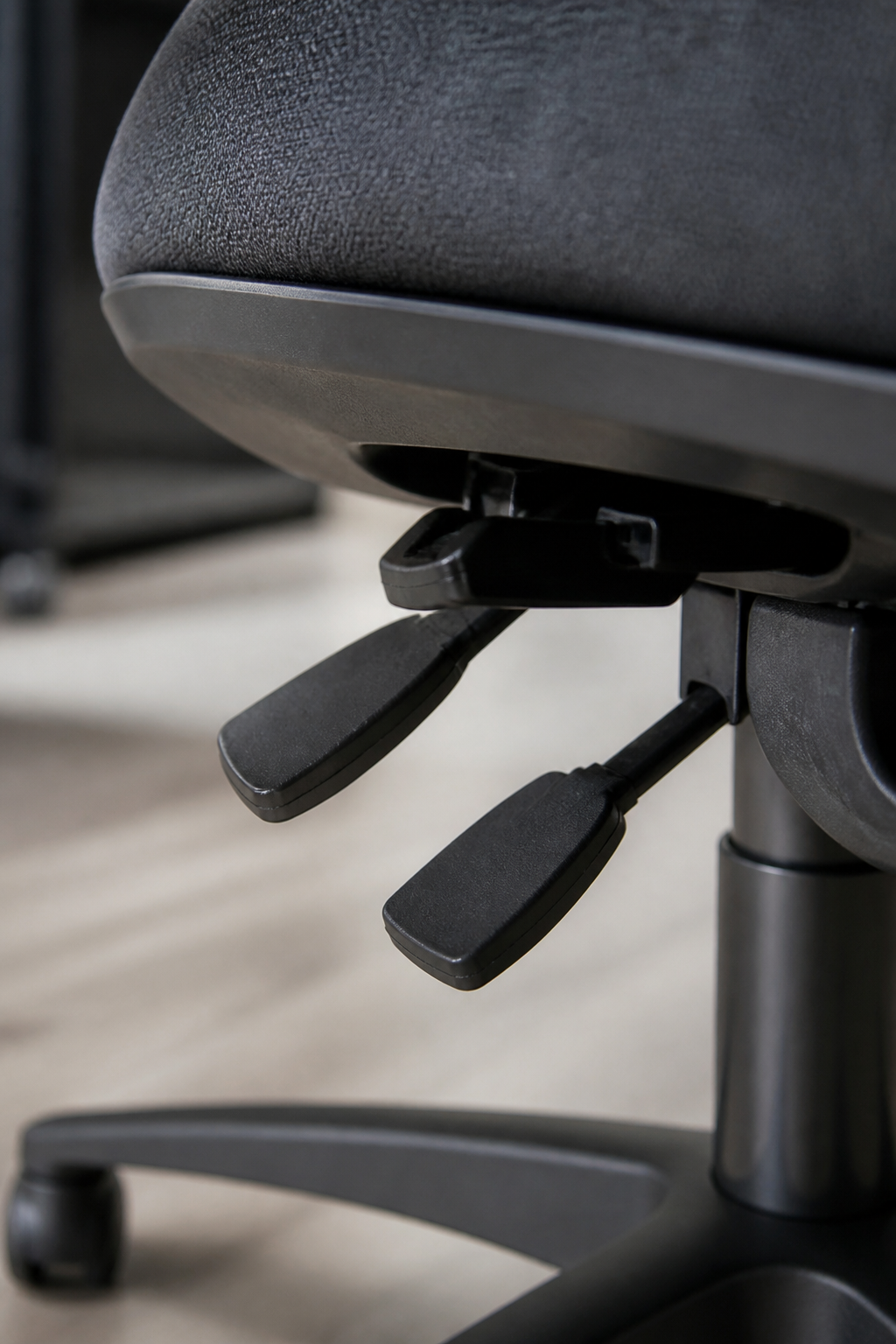
Most office chairs in Britain are being sat in exactly as they left the warehouse. The levers are there, they are usually unlabelled, and the average person discovers one of them by accident and never touches the rest. Ten minutes spent working through them properly is worth more than most upgrades, and it is free.
What follows is the order that ergonomists use, because each adjustment changes the reference point for the next one. Setting the armrests first and the seat height last means doing the whole thing twice.
Do it in this order

Height, depth, backrest, armrests, then the desk and the screen. Sit at the desk you actually work at while doing it, with shoes on if you normally wear them, because a two centimetre heel changes the answer.
- Tools needed
- None. Possibly a hardback book, a rolled hand towel and a cardboard box.
- Time
- Ten minutes, plus a week of small corrections as things settle.
- The target
- Feet supported, forearms roughly level with the desk, lower back met by the backrest, shoulders down.
- The real target
- A chair comfortable enough that changing position happens naturally rather than as an escape.
Seat height
Everything else is measured from here, so it goes first. Sit well back in the chair, let the shoulders drop, and rest the hands on the desk. The forearms should be roughly level with the desk surface, or very slightly above it, with the elbows at something near a right angle and hanging close to the body.
Raise or lower the seat until that happens. Then look at the feet. If they no longer reach the floor comfortably, the answer is not to lower the chair again, because that would put the shoulders back up to reach the desk. The answer is a footrest, and a printer box, a ream of paper or a couple of thick books does the job precisely as well as one bought for the purpose.
Thighs should be roughly horizontal, or with the knees a touch lower than the hips. Knees noticeably higher than the hips tips the pelvis backwards and rounds the lower back, which is the position most people slide into by mid afternoon anyway.
If the shoulders are doing any work at all while typing, the chair is too low or the desk is too high. Nothing else on this page will fix that.
Seat depth

The commonest fault after height, and the one people most often mistake for a bad chair. Sit right back so the bottom meets the backrest, then check the gap between the front edge of the seat and the back of the knee. Two or three fingers is about right.
Too deep, and the front edge presses into the calves, so the sitter shuffles forward to escape it and loses all contact with the backrest. That single mechanism is responsible for a large share of the slumping that gets blamed on willpower. Too shallow, and the thighs are unsupported and the sitter perches.
Better chairs have a sliding seat pan, usually a lever or knob under the front right of the seat. Chairs without one can be shortened with a firm cushion placed against the backrest, which effectively brings the back of the chair forward.
Backrest and lumbar support
The bulge in the backrest is meant to meet the natural inward curve of the lower back, roughly at belt height. Many chairs have a height adjustable backrest, often a ratchet that is raised by lifting it in stages until it clicks back to the bottom. If it sits too high it pushes on the ribs and encourages leaning away from it. If it sits too low it presses on the pelvis and does nothing useful.
A rolled hand towel, secured behind the small of the back with a belt or simply wedged in place, replicates it well enough on a chair that has no adjustment. It should feel like gentle contact rather than a shove. Support is not the same as being pushed into an arch.
The backrest is there to be used. A chair that is only ever perched on the front third of is being used as a stool, and the lower back is holding the whole trunk up unaided for eight hours.
Armrests
Armrests have one job: to let the shoulders hang while the forearms are supported. They should be set so the forearms rest on them at the same height they would be at while typing, with no lift in the shoulders and no leaning to one side.
If the armrests are too high, the shoulders shrug all day, which is the fastest route to an ache across the top of the shoulders and the base of the neck. If they stop the chair from being pulled close enough to the desk, they are worse than useless, and on most chairs they can be lowered right down or removed entirely with a hex key. Removing them is a perfectly legitimate outcome.
Tilt, recline and the lock nobody uses
Most task chairs have a tension dial under the seat that controls how hard the backrest resists leaning, and a lever that locks the recline in position. Both are usually left as delivered.
Set the tension so that leaning back is easy but the chair still supports you, rather than tipping alarmingly or refusing to move. Then leave the recline unlocked in normal use. A backrest that follows the body encourages movement, and movement is the whole point. Locking it upright turns an expensive chair into a rigid one.
A slight backward recline of around ten to twenty degrees, with the lower back still supported, reduces the load on the spine compared with bolt upright sitting, and it is a great deal easier to maintain. Working leaning back a little, with the screen raised to suit, is a perfectly sound way to spend an afternoon.
If the chair does not adjust at all
Plenty of home working happens in a dining chair, and it can be made to work. The trick is to adjust the sitter instead of the chair.
- A firm cushion raises the seat until the forearms reach the table without lifting the shoulders. Sofa cushions are too soft and simply compress.
- A box under the feet restores support once the seat has been raised.
- A rolled towel at belt height replaces the lumbar shape that a dining chair does not have.
- A cushion behind the back also shortens the effective seat depth of a chair that is too deep.
- Rotate chairs during the day if the house has more than one kind. Different shapes load the body differently, and variety is genuinely protective.
Once the chair is sorted, the screen is next, and it matters at least as much. The home office guide covers screen height, desk height and what an employer is required to provide when the desk is at home.
When it is not the chair
Numbness or pins and needles that do not settle when you stand up, weakness in a leg or arm, pain that wakes you regularly at night, back pain with numbness around the back passage or genitals, or any loss of bladder or bowel control need medical attention rather than a new cushion. In the UK, contact a GP or call NHS 111 without delay, and 999 if symptoms are severe or come on suddenly. See the medical disclaimer.
Common questions
How often should the position change?
Every twenty to thirty minutes is the usual advice, and standing for the length of a kettle boil counts. No chair setting substitutes for this, which is why the best chair in the world still needs someone to get out of it.
Are kneeling chairs and exercise balls better?
Neither has convincing evidence behind it, and both remove back support entirely. A ball also fails a basic safety test in an office. As an occasional change of position for twenty minutes they are harmless. As a full time chair they are not an upgrade.
Is a secondhand office chair a false economy?
Usually the opposite. Commercial office furniture is built for a decade or two of daily use and is sold off cheaply during refits. A well specified chair at eighty pounds from a clearance firm will outperform a new one at the same price by a wide margin.
Should the chair be set differently for laptop work?
The chair setting stays the same. What changes is that the laptop needs raising and a separate keyboard adding, because a laptop alone forces a compromise no chair adjustment can undo.
Why does the ache arrive in the afternoon rather than the morning?
Because it is a fatigue pattern rather than an injury. Muscles holding a fixed position slowly run out of tolerance, and the point at which they do is fairly consistent from day to day. That predictability is a useful clue that the setup, and not the body, is the thing to change. Shoulder ache from screen time follows the same pattern.
The chair is only half the day; the bike that replaces part of the sit changes the rest.